
Published: November 1, 2026
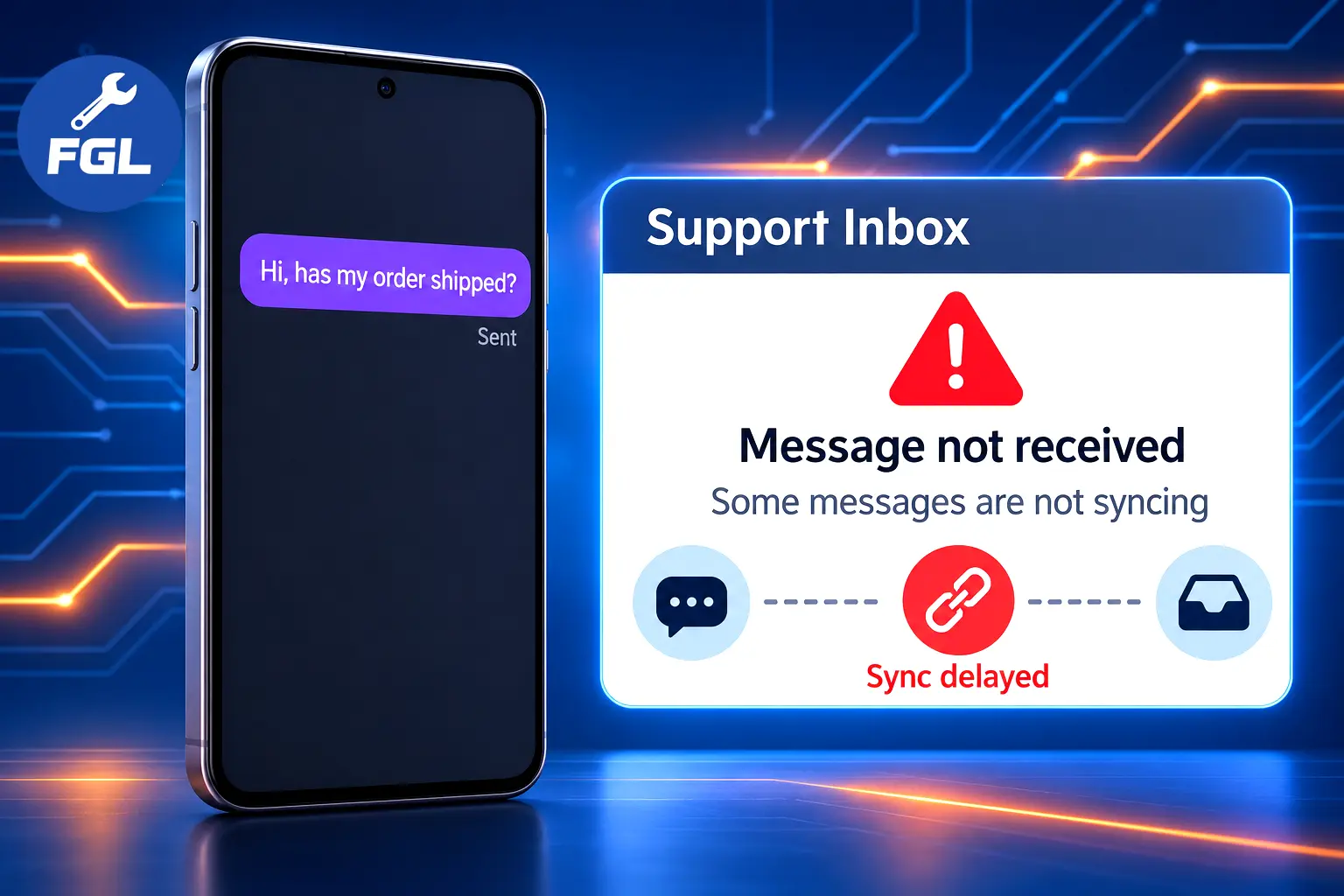
Say a customer messages your business on Instagram to ask about an order. The message can look sent on their phone, so they expect a reply. But nothing appears in your support inbox, leaving the customer waiting. Your account looks normal, and you haven’t changed anything, so the cause isn’t immediately clear.
In late October 2026, some businesses experienced a similar problem. Customer-support platforms Dixa and Gorgias reported that an issue on Meta’s end was affecting Instagram message delivery for some connected accounts. It wasn’t a confirmed worldwide Instagram outage, and neither company identified account restrictions as the cause. This guide explains what the incident records confirm, what remains unclear, and what you can check now.
What Happened to Instagram Message Delivery?
When Did the Issue Start and End?
Dixa’s public incident record gives the clearest timeline. Dixa shows its times in CET, so both time zones are listed here:
- October 28, 10:48 AM UTC (11:48 AM CET): Dixa began investigating intermittent problems with incoming and outgoing Instagram messages.
- October 30, 10:37 AM UTC (11:37 AM CET): Dixa identified the cause as being on Meta’s side, with Meta’s engineers working on a fix.
- October 30, 3:24 PM UTC (4:24 PM CET): Dixa said Meta had told it the issue was fixed, and its own testing showed messages flowing again. It kept the incident open to monitor.
- October 30, 4:24 PM UTC (5:24 PM CET): Dixa marked the incident resolved.
From the first update to the last, that is about 53 hours and 36 minutes. Dixa called the problem intermittent, so that is how long the incident stayed open, not proof that every message failed the whole time.
What Problems Did Affected Businesses Experience?
Dixa said both incoming and outgoing Instagram messages were affected, and only some Instagram connections were involved. In practice, a customer’s message might never reach the support inbox, and an agent’s reply might never reach the customer. Gorgias described a similar gap: some connected Instagram accounts were not receiving new messages as tickets.
Why Was Meta’s Side Involved?
Tools like Dixa and Gorgias don’t run Instagram. They receive messages through a connection with Meta and show them in your support inbox. When something breaks on Meta’s end of that connection, the support tool can look perfectly healthy while messages stop arriving or leaving.
That is why both companies pointed to Meta rather than their own systems. Dixa said Meta’s engineering team was working on a fix, and Gorgias said Meta had confirmed an issue with message delivery to connected apps. Neither update explained the technical cause, so the exact reason is unknown.
Who Was Affected by the Instagram Messaging Issue?
Businesses Using Dixa
Dixa said the problem affected Instagram message delivery for some third-party connected accounts, not every connection. Facebook Messenger was working as expected. Dixa did not publish how many businesses were affected.
Businesses Using Gorgias
Gorgias posted an update on October 29 at 3:27 PM UTC saying some connected Instagram accounts were not receiving new messages and comments as tickets. It said Meta had confirmed the issue and that its other channels were not affected. While the issue was unresolved, Gorgias advised affected businesses to view and reply to those conversations directly in the Instagram app.
One caution for Gorgias users: when this article was prepared, Gorgias’s incident page still showed that update as unresolved, with no closing note. Its status page’s component list nevertheless showed Instagram Direct Messages and comments as operational. However, those operational labels do not confirm that the separately listed incident had been resolved. Check its status page directly instead of assuming it ended when Dixa’s did. Other platforms may have been affected too, but Dixa and Gorgias are the only two incident records reviewed here.
Were Regular Instagram App Users Affected?
The available reports focus on businesses using connected third-party tools. They do not establish a general problem with the regular Instagram app or identify account restrictions as the cause of this incident.
What Did Dixa Confirm About the Fix?
How Dixa Closed the Incident
Dixa said Meta had informed it that the delivery problem for some connected accounts was fixed. Dixa then ran its own tests, which showed incoming and outgoing messages flowing again, kept watching for about an hour to make sure the fix held, and closed the incident.
What Happened to Messages During the Outage?
Dixa warned that messages received while the issue was ongoing, since October 28, may not have reached Dixa. It recommended reviewing the Instagram inbox directly in Meta for conversations from that period.
The report does not say those messages were deleted, and it does not say they will be restored to the third-party inbox later. Whether every missed message can be synced is not stated, so nobody should promise it. The same goes for replies: one written in the support tool during those days may never have reached the customer.
What to Do If Instagram Messages Are Still Missing
Check Your Instagram Inbox Directly
Open Instagram, or your Meta inbox, and go through the account’s conversations. Dixa recommended this step, and it is the most direct way to see what customers actually sent.
Review Messages Since October 28
- Scroll through conversations from October 28 onward. Dixa’s incident closed on October 30, but Gorgias’s was still unresolved when this article was prepared.
- Note any customer message that has no reply.
- Check whether replies sent from your support tool during those days appear in the Instagram thread.
- Answer anything still open directly from Instagram.
Test Whether New Messages Are Arriving
Send a test message to your business account from a different Instagram account, then reply to it from your support tool. If both directions work, delivery appears to be working normally again for that connection.
Check Your Platform’s Status Page
Open the live status page for your tool: the Dixa status page or the Gorgias status page. Look for “Intermittent issues with Instagram messaging” on Dixa and “Instagram messages delayed or not appearing in Gorgias” on Gorgias. For any other platform, use its own status page.
Contact Your Platform’s Support Team
If messages are still missing or new ones are not arriving, contact the platform’s support. Dixa told affected customers to reach Dixa Support in that case. Share the connected Instagram account name, the dates, and a few example conversations with approximate times. Don’t disconnect and reconnect Instagram unless support asks you to: Dixa said reconnecting would not fix the issue while it was ongoing, and Gorgias said it was not needed.
Frequently Asked Questions (FAQs)
1. Should I Check Instagram Comments as Well?
Gorgias listed comments alongside direct messages in its notice, while Dixa’s updates only mention messages. If your team uses Gorgias, scan recent comments in the Instagram app too. For other platforms, the records reviewed here don’t say.
2. How Can I Get Alerts About Future Platform Incidents?
Dixa’s status page lets you subscribe to incident updates by email or text message. Gorgias’s status page offers Slack, webhook and RSS/Atom feed options. For another platform, look for a similar subscribe option on its status page.
3. Where Can I Read Dixa’s Full Explanation?
Dixa said it would publish a post-mortem within five business days of closing the incident on October 30, which points to around November 6. When this article was prepared, it had not appeared yet. Look for it under the incident name on Dixa’s status page, since it may explain more about the cause.
This was a delivery problem between Instagram and some connected support tools, which both Dixa and Gorgias placed on Meta’s side. Review your Instagram inbox from October 28 onward, confirm that new messages now flow both ways, and ask your platform’s support about anything still missing.

- Pixel 10 and 11 Camera Showing a Black Screen? How to Fix - November 13, 2026
- Microsoft Outlook Not Loading? What EX1550543 Means for Phone Users - November 13, 2026
- iOS 27.2.1 Security Fixes and What to Do If Your iPhone Feels Off - November 12, 2026