
Published: November 22, 2026
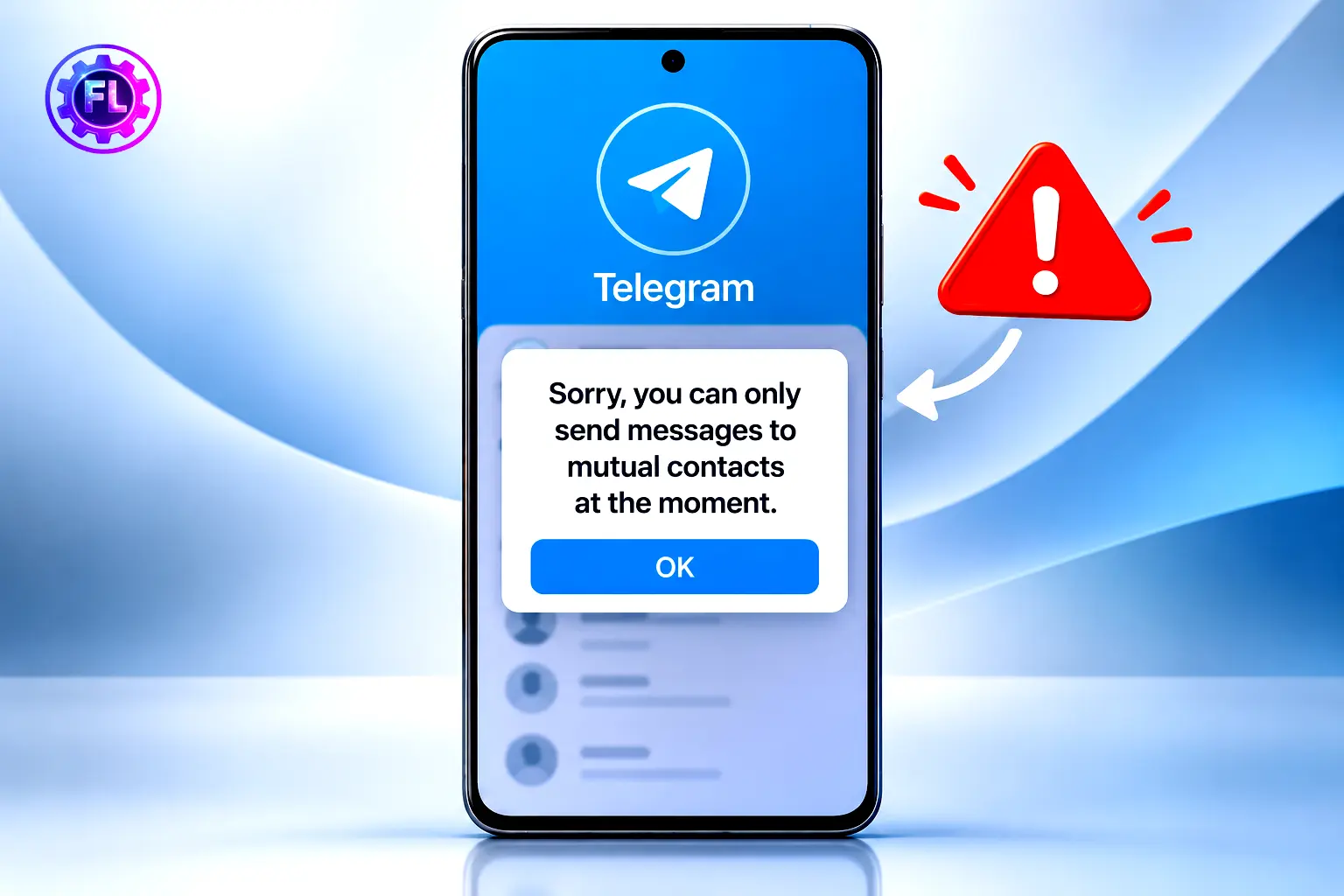
You type a message to someone and Telegram answers: “Sorry, you can only send messages to mutual contacts at the moment.”
That means your account has a spam limit. Your chats are still there, and you can still talk to some people. But you cannot start conversations with people who do not have your number saved.
This guide shows you how to confirm the limit, tell it apart from a frozen account, and send a clear, honest appeal if you believe the restriction is a mistake. It also covers what to do if nothing changes.
Quick Fix
- Open @SpamBot and tap Start.
- Read what the bot says about your account.
- If you think the limit is a mistake, explain what happened in a short, honest message.
- Until it is sorted out, only message people who have your number saved as a contact, or reply to anyone who messages you first.
How Telegram Limits an Account
Telegram’s official Spam FAQ explains it. When a person taps Report spam in a chat, the report goes to Telegram’s moderators. If they agree the messages were unwanted, your account is limited. Group admins can report spam in their groups too.
Telegram says reports are reviewed by human moderators, but it also acknowledges that mistakes can happen.
What You Can Still Do While Limited
A limited account is not locked. Telegram says you can:
- Message people who have your phone number saved as a contact.
- Reply to anyone who messages you first.
If you need to reach someone, ask them to write to you first. Then you can reply as normal.
Because replies are your main way to chat right now, you do not want to miss them. If messages only show up when you open the app, these Telegram notification fixes can help on Android.
Why Accounts Get Limited
Telegram says its username search is not a way to make new friends. Most limits start when someone gets a message they did not expect.
People commonly report:
- Messages to strangers, even a simple “hello.”
- Ads, links, and anything about selling or online popularity.
- Invite links to groups or channels.
- Random photos sent to people they do not know.
- Spam posted in groups, or people added to groups they did not want to join.
A brand-new account can be limited too. Telegram says some numbers get an overly harsh response, either because of what a previous owner did or because they are certain virtual or VoIP numbers. It does not say every virtual number is a problem.
Limited, Frozen, or Something Else?
Telegram uses different terms, so check which one matches what you see.
| Situation | What you notice | What Telegram says |
|---|---|---|
| Spam limit | You get the “mutual contacts” message, but you can still message contacts and reply | Applied after reports are reviewed. For a first offense it will most likely last a few days, but Telegram does not promise an exact time |
| Repeat limit | You receive another spam restriction after an earlier limit | Repeat offenses lead to longer limits, and people who keep messaging strangers may lose that ability for good |
| Frozen account | You can read your chats, but you cannot send messages or post at all | Telegram says you can appeal from inside the app. Moderators review it, and if the restriction was a mistake, the account is unfrozen |
If your account is frozen, use the appeal option shown inside Telegram. See the main Telegram FAQ for how Telegram describes frozen accounts. The steps below are for a spam limit.
How to Check Your Account With @SpamBot
@SpamBot is Telegram’s official bot for limited accounts, and it carries a verified badge. Use the link from Telegram’s own pages, not one sent to you in a chat.
- Open t.me/SpamBot on your phone or computer.
- Tap Start.
- Read the reply.
- If it says no limits apply, your account is not spam-limited. Something else is causing the problem.
- If it says your account is limited and you believe that is wrong, follow the options it shows and explain what happened.
The bot’s wording and buttons can change, so go by what you see on screen. Telegram’s Spam FAQ simply tells people who think a limit is wrong, or who just signed up, to contact the bot and tell their story.
How to Write an Honest Appeal
Moderators read many messages. A short, calm, specific appeal is easier to act on than a long, angry one.
Include:
- When it started. “This morning” is enough.
- What you use Telegram for. Family, work, a study group, a small business.
- Anything unusual you did recently. Sending an invite link, joining many groups, or messaging a list of people.
- Whether the number is new, if you just signed up.
Keep it to a few sentences. Do not claim you sent nothing if you did. Skip threats, insults and capital letters. Send it once, then wait. Telegram does not publish how long a review takes, and nobody can promise you a result.
Appeal Templates
Copy one, fill in the brackets, and keep it truthful.
1. You think the limit is a mistake
Hello. My account was limited and I believe it was a mistake. I mostly use Telegram to talk with [family / coworkers / friends]. I have not knowingly sent unwanted messages to strangers. If something I did looked like spam, I would like to understand what it was. Thank you for reviewing my account.
2. New account limited right away
Hello. I created this account on [date] with my own phone number. I had not sent any messages when I saw the “mutual contacts” notice. I think my number may have been flagged by mistake. Please review my account. Thank you.
3. Group or community activity was flagged
Hello. I run a [study / hobby / local] group on Telegram. Recently I [shared the group link / posted an announcement], and my account was limited. I meant it for people who had joined or asked to be added. I will be more careful with invites. Please review my account. Thank you.
If the Appeal Does Not Change Anything
Telegram says it cannot release you early when the messages really were unwanted. A limit applied by mistake is what the appeal is for, though a decision is not guaranteed.
While you wait:
- Keep using Telegram with your contacts and replies.
- Do not send new unwanted messages, because repeat limits can last longer.
- For other questions, Telegram says you can use Settings > Ask a question in the app. It notes that its support relies on volunteers.
Mistakes to Avoid
- Messaging strangers to “test” whether the limit is gone. It can add a new report.
- Paying someone to “unlock” your account. Telegram’s FAQ lists no such service.
- Sharing your login code. Telegram says login codes should never be shared with anyone.
- Deleting your account to start fresh. Telegram says deletion is permanent, and a new sign-up is a new, empty account. It does not describe this as a way to remove a limit, and a new number can be flagged too.
How to Avoid Another Limit
The simplest rule is to message only people who expect to hear from you. A few habits help:
- Ask before adding someone to a group or channel.
- Post your group link on your profile or channel and let people join on their own.
- Avoid tools that send messages in bulk.
Frequently Asked Questions
Someone’s chat asks me to pay Stars before I can send a message. Am I limited?
No. Some users charge a small fee in Telegram Stars for messages from people who are not in their contacts. You can pay, wait for them to write first, or ask them to add you to their contacts.
Does Telegram Premium remove a spam limit?
Telegram’s Spam FAQ does not list Premium as a way around a limit. Do not pay for it hoping to fix this problem.
Will using Telegram Web or another phone lift the limit?
No. Telegram applies the limit to the account, so it follows you to every device and app.
Do a VPN or a new username help?
Telegram does not say that changing your VPN or username removes a spam limit. A VPN changes your network and a username changes your profile. Neither changes the review of your account.

- Signal & Viber Issues: Easy and Useful Troubleshooting Guide - November 25, 2026
- YouTube Mini Player Bug: Videos Shrink and Audio Stops? Quick Solutions - November 24, 2026
- Viber Chat Backup Not Restoring on a New Phone? Android and iPhone Guide - November 23, 2026