
Published: September 03, 2026
Instagram can disable an account when it detects activity that goes against its Community Guidelines or other platform rules. If you believe your account was disabled by mistake, you can submit an appeal and ask Instagram to review the decision. If Instagram finds that the action was incorrect, access to your account may be restored.
How to Appeal a Disabled Instagram Account
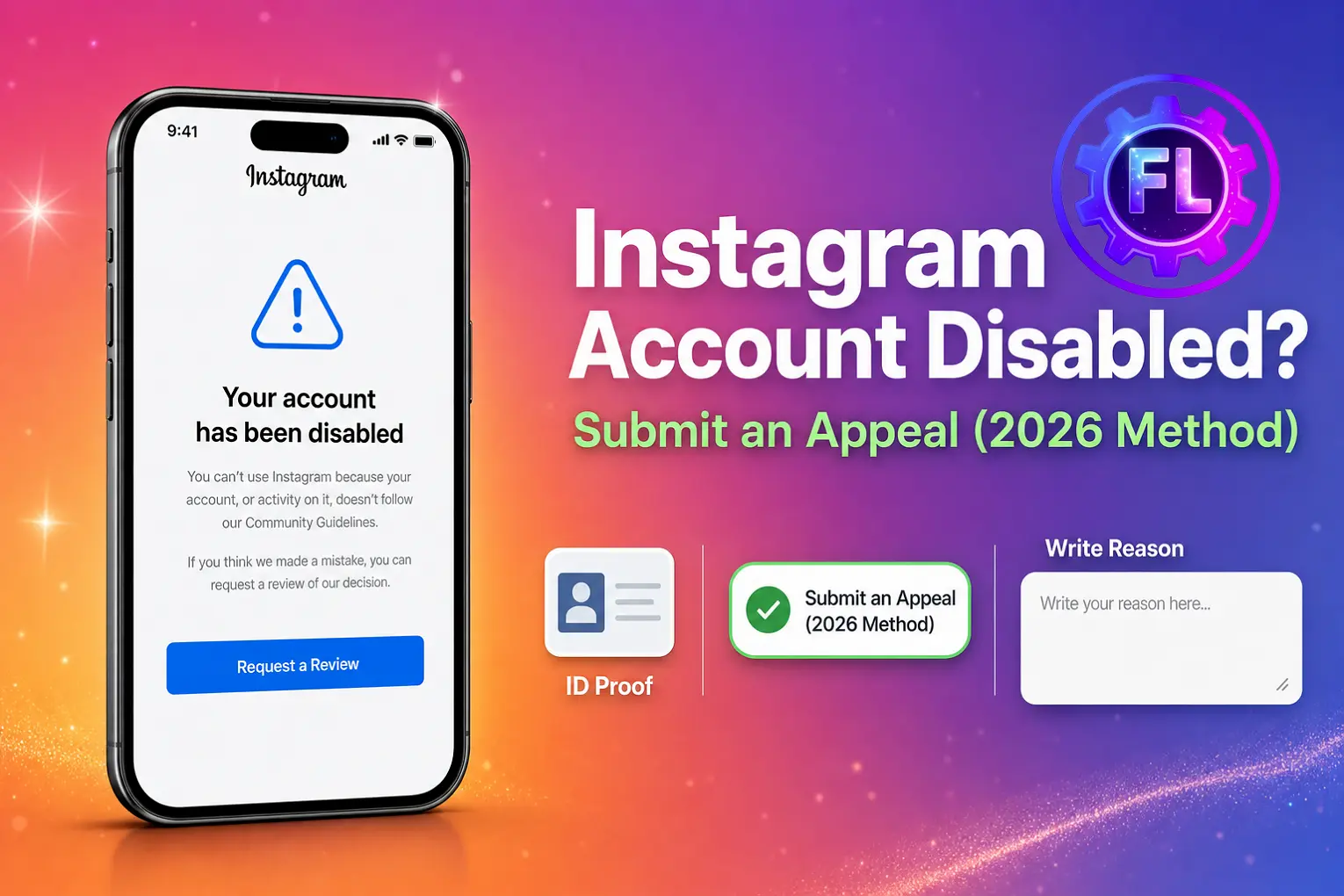
If you see “Your account has been disabled” when trying to log in, follow these steps to submit an appeal:
1. Tap Request a Review
On the disabled account screen, tap the blue Request a Review button if it appears. This allows you to ask Instagram to review the decision.
2. Enter Your Account Details
Provide the email address and phone number linked to your Instagram account when requested.
3. Explain Why You Believe the Action Was a Mistake
Keep your message short and clear. You can write:
Hello Meta Team, my account was disabled by mistake. Please review my account and restore access if possible. I believe I have followed Instagram’s Community Guidelines.
4. Complete Identity Verification if Requested
Instagram may ask you to verify your identity during the appeal process. Depending on your account and the verification request, you may be asked to submit a selfie video or other information. If a Verify Your Identity option appears, follow the instructions shown on your screen.
5. Submit the Appeal and Wait for a Response
After submitting your appeal, wait for Instagram to complete its review. There is no fixed review time for every appeal. If Instagram reaches a decision, you may receive an update through the email address associated with your account or within the app.
For additional help, visit the Instagram Help Center.
What If Your Instagram Account Is Permanently Disabled?
If Instagram no longer shows Request a Review and only gives you options such as:
- Delete Account
- Download Your Information — lets you save available photos, videos, posts, and other account data.
This usually means the normal review option is no longer available on that screen.
What You Can Do
Check for another appeal option: Look for a Disagree with Decision or similar option if Instagram provides one. Use it to submit your case for another review.
Download your information: If you can access Download Your Information, save any available account data before taking further action.
Consider creating a new account: If Instagram does not provide any way to appeal the decision, recovering the disabled account may not be possible through the normal process.
Why Is Your Instagram Account Disabled?
Instagram can disable an account for different reasons, usually when its systems detect activity that goes against its rules or creates a security concern. Instagram isn’t the only Meta platform where this happens — if your Facebook account has also been disabled, the process there tends to follow a broadly similar pattern, since both platforms are owned by Meta, though the exact steps can vary.
Community Guidelines violations
Posting or sharing content such as speech, videos, or images that violate Instagram’s Community Guidelines can lead to account restrictions or disablement.
Spam-like behavior
Repeated likes, comments, follows, or other actions intended to increase visibility can be flagged as spam, especially when they appear automated or excessive. Sometimes your account isn’t disabled at all — your reach just quietly drops for no clear reason. If that sounds familiar, your Instagram account may be shadowbanned, which can involve reduced likes, comments, or visibility on the Explore page. That’s a different issue with its own fix, which we cover in detail there.
Security concerns
Unusual login activity or signs that an account may have been compromised can trigger security measures and temporarily restrict access.
Copyright or intellectual property issues
Using someone else’s videos, images, or other protected content without permission can result in reports, removals, or account restrictions.
Repeated violations
Repeatedly breaking Instagram’s rules can lead to stronger enforcement, even when individual violations seem minor on their own.
The reason shown in a disabled-account message can vary. Instagram may mention spam, a policy violation, or its Terms of Use and Community Guidelines. If you believe the decision was wrong, submit a review request if Instagram gives you that option.
Important: If Instagram has disabled your account permanently, creating another account may also be restricted if it violates Instagram’s enforcement policies. Check the options provided by Instagram before starting a new account.
Temporary vs Permanent
How Do You Know If Your Instagram Account Has Been Permanently Disabled?
If you no longer see Request a Review and Instagram only shows options such as Delete Account and Download Your Information, the usual review option is no longer available on that screen.
If Instagram clearly states that your account has been permanently disabled, recovering it may be difficult. Check whether any appeal or review option is still available before taking further action.
If you’re dealing with a similar problem on Threads and your account has been suspended, the appeal process there follows a broadly similar pattern, involving Meta account verification and a review request, though the details can differ.
FAQ
Can I create a new Instagram account with the same email and phone number?
Yes, you can usually create a new Instagram account using the same email address or phone number. However, if Instagram does not allow you to use the same details, you may need to use different information.
How long does it take to receive an appeal response?
Instagram does not guarantee a fixed review time for appeals. Some requests may receive a response quickly, while others can take longer.
Do I need a VPN or a new phone to create a new account?
No, you do not need a VPN or a new phone. Use your normal device and internet connection when creating the account.
Can I submit an appeal more than once?
If the Request a Review option is available, follow the instructions provided by Instagram. Instead of submitting repeated requests, it is better to wait for the result of your existing appeal.
- Galaxy S26 Ultra Wireless Charging Stuck at 10W/15W - September 17, 2026
- How to Fix Google Maps Showing Wrong Directions and Inaccurate Location - September 13, 2026
- iPhone 16 Camera Not Working? Fix Black Screen, Crashes & Blurry Photos - September 9, 2026
