
Published: September 26, 2026
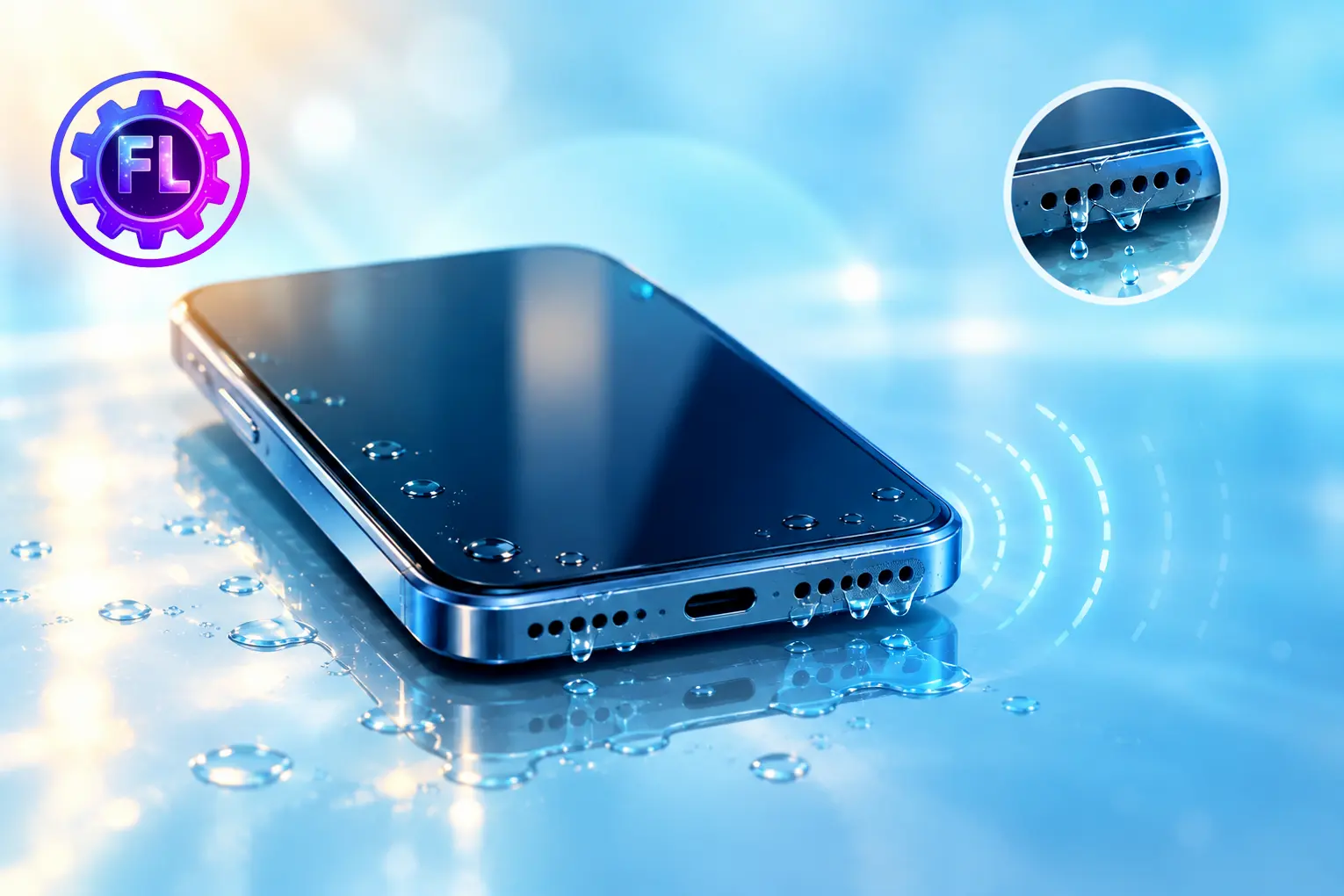
If your phone got splashed or dropped in a sink and the speaker sounds unclear, the speaker diaphragm may be wet. Water on the diaphragm can affect how it vibrates, making the sound quiet or crackly. Drying the phone properly can help bring the sound back to normal.
Quick Fix
- Turn off the phone and do not connect it to a charger.
- Wipe the outside of the phone with a soft, clean cloth.
- Hold the phone with the speaker openings facing downward and gently tap it against your palm to help excess water come out.
- Leave the phone in a dry place with some airflow.
Once the phone is completely dry, turn it on and test the speaker. If the sound is still low, unclear, or crackly, try the methods below.
Why Speaker Sound Gets Low After Water Contact
Water around the speaker can interfere with the small parts that move to produce sound. This can make the audio sound weaker or less clear until the moisture dries. If liquid reaches other internal parts, it may also cause problems that need further inspection.
Avoid These Mistakes: Keep your phone away from rice, hair dryers, and other heat sources. Don’t use compressed air, and avoid putting anything into the speaker or ports, such as a cotton swab, toothpick, or paper towel.
Turn Off the Phone and Let It Dry
Turn off the phone and remove the case, SIM card, or SD card if your phone has them. Wipe the outside with a soft, clean cloth and leave the phone in a dry place with normal airflow.
Avoid using the phone or connecting it to a charger until it is completely dry. Do not use a hair dryer, heater, or other direct heat to speed up the process.
How Long Should You Wait Before Testing Sound Again
There is no exact drying time for a phone speaker because it depends on how much water got inside.
After a light splash, let the phone dry before testing the speaker. If the phone was soaked or submerged, give it much longer to dry. Apple recommends letting a wet device dry naturally, while Samsung also advises allowing the speaker to dry thoroughly before testing it.
When you test it, play a short video or make a call and listen for clear sound. If the sound is better but still muffled or crackly, let the phone dry for longer before testing the speaker again.
If the speaker still does not sound clear after drying, the problem may need a closer inspection.
For more guidance, see Apple’s drying instructions and Samsung’s speaker guidance.
When the Sound Is Still Low After Drying
If the speaker still does not sound clear after the phone has dried properly, the speaker or another internal part may have been affected by the liquid.
If the problem continues, have the phone checked by an experienced technician. They can inspect the speaker and internal connections to find the actual cause.
Quick Checklist to Prevent This Next Time
- Keep your phone away from sinks, pools, and heavy rain when possible.
- Remember that water resistance can vary by phone model and may become less effective as the phone gets older.
- Keep the speaker openings and charging port clean and free of debris.
- If you often use your phone around water, consider a water-resistant case.
FAQs
Why does the speaker sound worse when I turn the volume up?
If the speaker sounds fine at low volume but becomes distorted when you raise the volume, moisture may still be affecting it. Let the phone dry further before testing it again.
Can water affect phone calls even if the speaker works?
Yes. Water around the microphone can affect how clearly your voice is picked up during calls. If the other person cannot hear you clearly after the phone gets wet, the microphone may also need time to dry.

- Face ID Not Working After iOS Update? How to Reset and Fix - September 29, 2026
- Phone Speaker Sound Low After Water Contact — How to Fix It - September 26, 2026
- Galaxy S26 Ultra Wireless Charging Stuck at 10W/15W - September 17, 2026
